
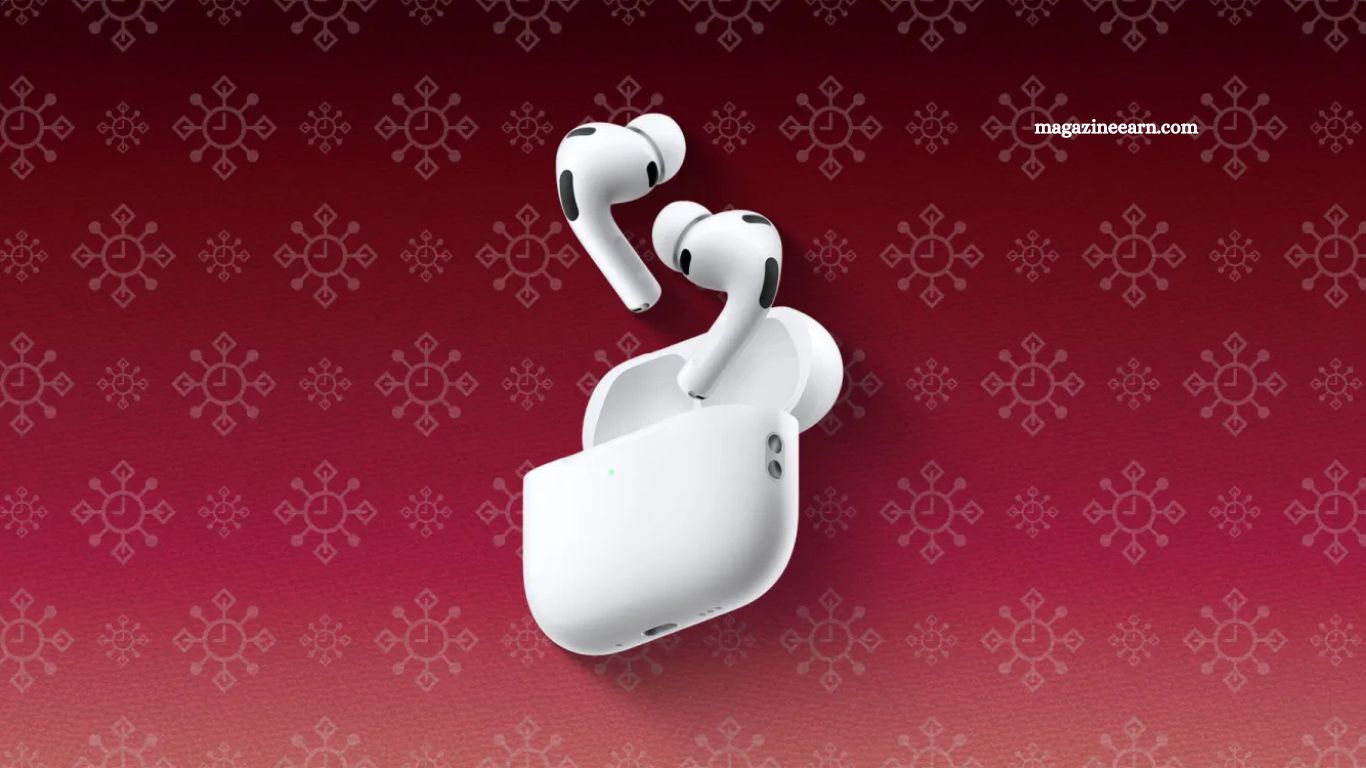
Unboxing a new pair of AirPods Pro is always exciting, but the experience extends far beyond simply playing music or podcasts. These earbuds are packed with features designed to enhance every aspect of your listening, from superior sound quality to advanced noise cancellation, immersive spatial audio, and seamless integration with your devices.
Understanding how to leverage these capabilities can transform the way you interact with your audio, making calls clearer, workouts more motivating, and daily commutes more enjoyable. For anyone who has just started using AirPods Pro, exploring these features is essential. This guide highlights key functionalities and tips that will help you get the most out of your new earbuds, ensuring that every moment with them is exceptional.
Read More: Blackstone-Backed AirTrunk to Invest $3.4 Billion in New Melbourne Data Center
AirPods Pro Fit Test
When you first unboxed your AirPods Pro, you likely noticed multiple ear tip sizes included in the package. Achieving the right fit is essential—not only for comfort but also to maximize noise cancellation, audio quality, and microphone performance. To check your fit, make sure your AirPods Pro are in your ears and connected to your device.
Open the Settings app, select your AirPods Pro at the top, and choose Ear Tip Fit Test. Tap the play button, and your AirPods will run a brief assessment to determine whether you’re using the optimal ear tip size. If necessary, the test will recommend trying a different tip. The AirPods Pro 3 come with five sizes, allowing you to easily find the perfect fit for superior sound and comfort
AirPods Pro Listening Modes
AirPods Pro offer multiple listening modes, allowing you to tailor your audio experience to your environment.
- Active Noise Cancellation (ANC): Outward-facing microphones detect external sounds and generate anti-noise to cancel them before they reach your ears. An inward-facing microphone monitors internal sounds and cancels unwanted noise inside your ear, delivering a truly immersive experience.
- Transparency Mode: Lets external sounds in so you can stay aware of your surroundings while still enjoying audio.
- Adaptive Audio: Automatically adjusts noise cancellation based on your environment for a more seamless listening experience. With iOS 18 and later, you can customize Adaptive Audio to allow more or less external noise, fine-tuning it to your preferences.
Switching between modes is easy. Press and hold the force sensor on the stem of an AirPod until you hear a chime. You can also customize which modes to toggle in the Settings app, or switch modes directly through the Control Center by swiping down from the top-right of your iPhone and holding the volume slider.
Conversation Awareness
Conversation Awareness is one of the more debated features of the AirPods Pro—some users love it, while others find it unnecessary. If you’ve just unboxed your AirPods Pro, it’s worth experimenting with to see how it fits into your daily routine.
When you begin speaking while wearing your AirPods, Conversation Awareness automatically lowers the volume of your audio and enhances voices directly in front of you. Once the conversation ends, your audio volume returns to its previous level, creating a seamless listening experience without manual adjustments.
You can enable or manage Conversation Awareness either in the Control Center on your iPhone or within the AirPods menu in the Settings app.
AirPods Pro 3 Controls
The AirPods Pro 3 feature a Force Sensor on each stem, allowing you to control audio and calls without reaching for your iPhone.
- Play or pause audio: Press the stem once. Press again to resume playback.
- Skip to the next track: Double-press the stem.
- Go back to the previous track: Triple-press the stem.
- Answer or end a call: Press the stem when a call comes in.
- Adjust volume: Swipe up or down lightly on the stem.
You can also customize the behavior of the Force Sensor in the AirPods menu within the Settings app, tailoring controls to your personal preferences for an even smoother experience.
Head Gestures
In addition to the Force Sensor, AirPods Pro allow you to control calls and notifications using simple head movements.
- Accept a call or reply to notifications and messages: Nod your head up and down.
- Decline a call or dismiss notifications and messages: Shake your head side to side.
To enable this feature, open the AirPods menu in the Settings app and select Head Gestures. From there, you can customize which gesture corresponds to Accept/Reply and Decline/Dismiss, making it easy to interact with your AirPods without touching your device.
Hearing Test and Hearing Aid Features
Apple has enhanced the AirPods Pro with advanced hearing health tools, bringing new functionality beyond traditional audio. You can now take a hearing test directly through your AirPods Pro to assess your hearing and identify potential hearing loss.
For those with mild to moderate hearing difficulties, AirPods Pro can also function as a hearing aid, amplifying sounds and improving clarity in daily conversations. These features make AirPods Pro not just a premium audio accessory but also a powerful tool for maintaining and supporting hearing health.
Microphone Features
AirPods Pro offer multiple microphone modes to optimize audio during calls and recordings.
- Automatic: Selects the most appropriate mic mode for your situation. For example, it uses Voice Isolation to block background noise during calls through the receiver, and Standard when using speakerphone.
- Standard: Provides regular voice processing for balanced audio.
- Voice Isolation: Focuses on your voice while minimizing ambient sounds.
- Wide Spectrum: Captures your voice along with all surrounding sounds without filtering.
To access these microphone controls during a call or recording, swipe down from the top-right corner of your iPhone to open Control Center and adjust the settings as needed.
Find My Integration
AirPods Pro seamlessly integrate with the Find My app on your iPhone, making it easier to locate your earbuds or charging case if they go missing. You can view their location on a map and even play a sound to help pinpoint their exact position.
To access these features, open the Find My app and navigate to the Devices section. From there, you can play a sound, enable notifications to alert you if you leave your AirPods behind, and use other helpful tools to ensure your AirPods Pro stay within reach.
Best AirPods Accessories
Enhance your AirPods Pro experience with carefully selected accessories that add convenience, protection, and style. Some top recommendations include:
- Spigen AirPods Pro Lanyard: Keeps your AirPods secure and easily accessible during commutes or workouts.
- Native Union Leather Case for AirPods Pro: Combines premium protection with a sleek, sophisticated look.
- Belkin MagSafe Charger, 3-in-1 Wireless Charging Stand: Charge your AirPods, iPhone, and Apple Watch simultaneously with ease.
- Twelve South HiRise 3 Deluxe: A versatile charging stand that organizes your devices neatly while keeping them charged.
These accessories elevate usability, safety, and style, making your AirPods Pro experience even more enjoyable.
Audio Sharing
One of the standout features of AirPods Pro is Audio Sharing, which lets you share what you’re listening to with another person wearing AirPods or compatible Beats headphones.
To activate Audio Sharing, tap the AirPlay icon on the Now Playing screen, the Lock Screen, or in Control Center. Then, select Share Audio and bring the other person’s headphones close to yours. The devices will pair seamlessly, allowing both listeners to enjoy the same audio simultaneously.
Audio Sharing is compatible with all generations of AirPods, AirPods Pro, and AirPods Max, as well as several Beats models, making it easy to share music, podcasts, or videos with friends and family.
Live Translation
With iOS 26, AirPods Pro now support Live Translation, enabling real-time translation of in-person conversations. This makes communicating in different languages easier than ever. For instance, if you speak English and are conversing with someone who speaks Spanish, enabling Live Translation lets you hear their words translated directly into English through your AirPods.
There are several ways to activate Live Translation:
- Open the Translate app on your iPhone.
- Press and hold the stem on both AirPods simultaneously.
- Use Siri by saying, “Siri, start Live Translation.”
This feature transforms AirPods Pro into a powerful tool for cross-language conversations, whether traveling, working, or connecting with friends.
Frequently Asked Questions
How do I check the battery on my AirPods Pro?
Open the case near your iPhone or iPad, and a pop-up will display the battery levels for both the AirPods and the case. You can also check battery status in the Batteries widget on iOS.
Can I use AirPods Pro with non-Apple devices?
Yes. AirPods Pro connect via Bluetooth to most devices, including Android phones and Windows PCs. Some features like spatial audio and automatic device switching may not be available outside Apple devices.
How do I reset my AirPods Pro?
Press and hold the button on the back of the case until the LED flashes amber and then white. This will reset the AirPods for pairing with a new device.
Are AirPods Pro water-resistant?
AirPods Pro have an IPX4 rating, making them resistant to sweat and light splashes, but they are not fully waterproof. Avoid submerging them in water.
How do I update my AirPods Pro?
AirPods Pro update automatically when connected to an iPhone with internet access. Ensure your AirPods are in the case, charging, and near your iPhone to receive updates.
Can I customize controls on AirPods Pro?
Yes. You can adjust Force Sensor actions, head gestures, and microphone modes in the AirPods menu within the Settings app to suit your preferences.
Conclusion
AirPods Pro are more than just premium earbuds—they are a versatile, feature-rich accessory designed to enhance every aspect of your audio experience. From immersive listening modes and hands-free controls to advanced health tools like hearing support and real-time translation, these earbuds offer a level of convenience and functionality few other devices can match.
