
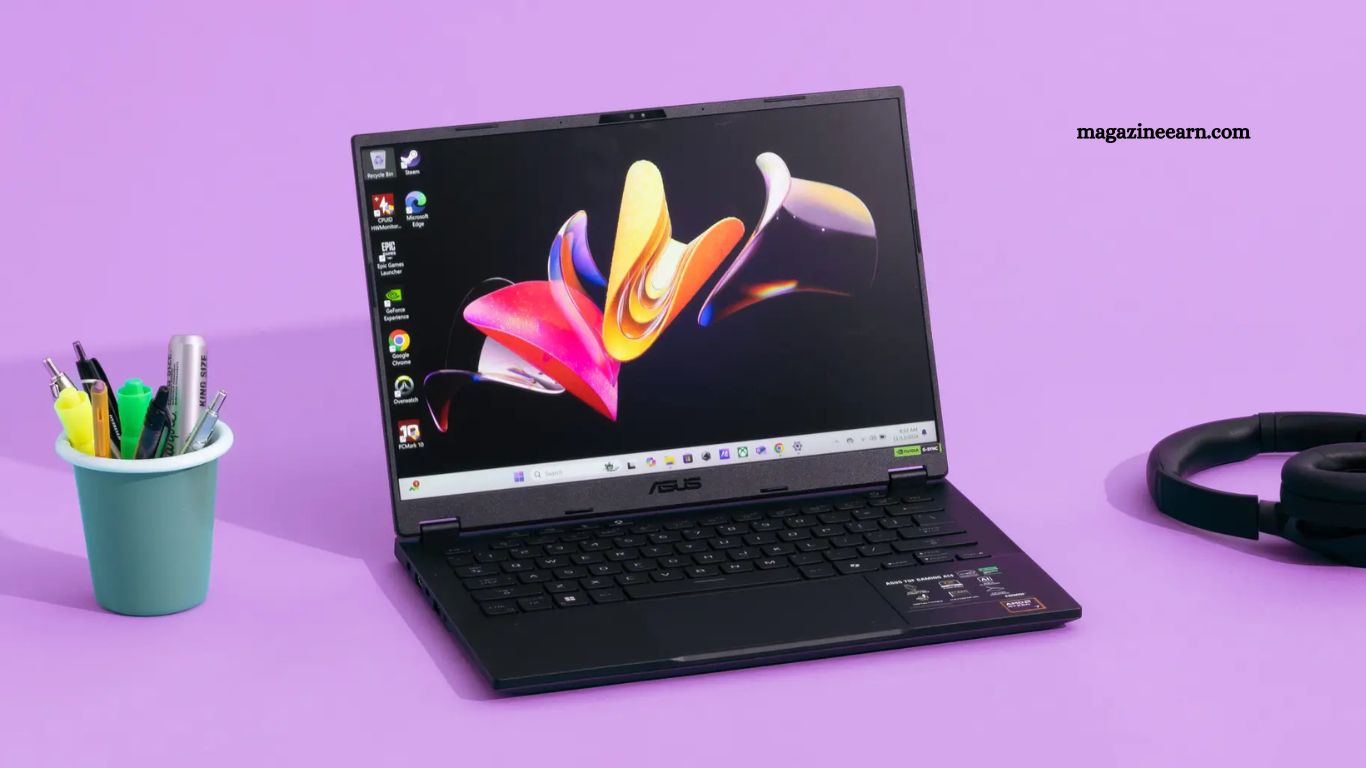
Finding one laptop that handles office productivity and high-performance gaming feels challenging. Many buyers choose either a business machine with weak graphics or a gaming laptop with poor battery life and a bulky design. Smart selection requires balance.
You need speed for multitasking, graphics power for modern games, a comfortable design for long work hours, and strong value for money. This guide explains every important factor in a clear, practical way, helping you choose a laptop that performs smoothly during meetings, editing tasks, spreadsheets, and competitive gaming sessions.
Read More: Latest AI Innovations Changing the World
Why Choosing the Right Laptop Matters
Modern users rarely buy separate systems for office work and entertainment. Professionals, freelancers, students, designers, and gamers often need one device for:
- Video conferencing
- Document handling
- Programming
- Content creation
- Streaming
- High-end gaming
A poor decision can lead to:
- Slow processing speed
- Heating issues
- Low battery backup
- Frame drops during gaming
- Limited upgrade options
A well-selected laptop saves money, improves productivity, and delivers long-term performance.
Start with Processor Performance
The processor acts as the brain of the laptop. A strong CPU ensures smooth performance while switching between work software, browsers, editing tools, and games.
Best processor options include:
- Intel Core i7 / Core i9
- AMD Ryzen 7 / Ryzen 9
These processors handle:
- Heavy multitasking
- Large spreadsheets
- Video editing
- Game streaming
- AAA gaming titles
Avoid entry-level CPUs if you want future-proof performance.
Recommended Minimum:
- 8 cores preferred
- Turbo boost above 4.5 GHz ideal
Graphics Card Determines Gaming Quality
Work applications depend heavily on CPU and RAM, but gaming depends on the GPU.
A dedicated graphics card becomes essential if you play:
- Action games
- Racing simulators
- Open world titles
- FPS competitive games
Top choices include:
- NVIDIA GeForce RTX 4060
- NVIDIA GeForce RTX 4070
- AMD Radeon RX series
These GPUs provide:
- Higher FPS
- Better textures
- Ray tracing support
- Smooth streaming
- Faster rendering
Integrated graphics may support office tasks, but modern gaming demands dedicated GPU power.
RAM Must Support Multitasking
Work and gaming both consume memory. Running browsers, spreadsheets, Zoom meetings, design software, plus games requires a strong RAM capacity.
Best RAM Capacity:
- 16GB = good standard
- 32GB = ideal for professionals and serious gamers
Benefits of higher RAM:
- Faster application switching
- Better background performance
- Less lag during gameplay
- Improved editing speed
Always choose DDR5 if possible for better speed and future readiness.
SSD Storage Improves Speed Dramatically
Traditional hard drives slow down every task.
Solid State Drive improves:
- Boot speed
- File opening
- Software launching
- Game loading time
Recommended Storage:
- 512GB SSD minimum
- 1TB SSD ideal
Work files, software, media projects, and large game installations consume huge amounts of storage quickly. Fast NVMe SSD gives an excellent overall experience.
Display Quality Affects Both Productivity and Gaming
Laptop screen influences comfort, visual clarity, and gaming enjoyment.
Ideal Display Features:
- 15.6-inch or 16-inch screen
- Full HD or QHD resolution
- 144Hz refresh rate or higher
- IPS panel for color accuracy
Why this matters:
For work:
- better readability
- reduced eye strain
- improved editing precision
For gaming:
- smoother movement
- sharper visuals
- competitive response advantage
A dull 60Hz display feels outdated after using a high refresh panel.
Keyboard and Build Comfort Should Never Be Ignored
Many buyers focus only on the processor and GPU, but regret the uncomfortable design.
You may spend:
- 8 hours working
- 2 to 4 hours of gaming
That means keyboard quality, touchpad accuracy, and cooling design matter greatly.
Look for:
- Backlit keyboard
- Comfortable key travel
- Spacious palm rest
- Durable hinge
- Strong airflow vents
Gaming laptops with professional styling offer a better office appearance than flashy RGB-heavy models.
Battery Backup Needs Practical Balance
High-performance gaming laptops usually consume more power. Still, some models provide decent battery life during normal work use.
Good battery expectations:
- 6 to 9 hours of office usage
- 1 to 2 hours gaming unplugged
Choose laptops with:
- power-efficient processors
- battery optimization modes
- fast charging support
This gives flexibility during travel, meetings, or university use.
Cooling System Prevents Performance Drops
Heat becomes a major issue in dual-purpose laptops.
Poor cooling leads to:
- thermal throttling
- noisy fans
- reduced FPS
- slower rendering
- shorter hardware lifespan
A laptop with advanced thermal management maintains stable performance under pressure.
Look for:
- dual fan system
- multiple heat pipes
- rear exhaust vents
- smart cooling software
Reliable cooling equals consistent speed.
Port Selection Helps Work Productivity
Professional users connect many accessories:
- external monitor
- mouse
- keyboard
- USB drives
- Ethernet
- headset
Essential ports include:
- USB-C
- USB-A
- HDMI
- Ethernet port
- audio jack
A thin laptop with limited connectivity often creates frustration.
Upgradeability Adds Long-Term Value
Technology changes fast. Games become heavier. Work software becomes more demanding.
A laptop with upgrade options allows:
- RAM expansion
- SSD replacement
- longer lifespan
This saves replacement cost after one or two years. Always check internal accessibility before purchase.
Best Laptop Size for Combined Use
Laptop size affects portability and power.
14-inch:
Portable, but limited cooling and a smaller screen.
15.6-inch:
Best balanced option.
16-inch or 17-inch:
Excellent gaming and work visibility, but heavier. For most users, a 15.6-inch or 16-inch delivers an ideal combination.
Budget Planning Before Purchase
Laptop prices vary based on hardware.
Entry Performance Range:
Suitable for moderate work + casual gaming
Mid Premium Range:
Best value for most users
High-End Range:
Ultra settings gaming + advanced professional workloads. Never buy based on brand name only. Compare hardware first.
Popular, reliable brands include:
- Dell
- ASUS
- Lenovo
- HP
- Acer
Best Laptop Features Checklist
Before final purchase, confirm this checklist:
- Powerful Intel i7/Ryzen 7 or better
- Dedicated RTX/Radeon GPU
- Minimum 16GB RAM
- Fast 512GB or 1TB SSD
- 144Hz display
- Strong cooling
- Comfortable keyboard
- Good battery backup
- Upgrade support
- Professional build quality
If a laptop matches most of these points, it will serve both office productivity and gaming without compromise.
Frequently Asked Questions
Which laptop specification works best for office work and gaming?
A laptop with an Intel Core i7 or AMD Ryzen 7 processor, a dedicated RTX graphics card, 16GB RAM, and SSD storage offers balanced performance for both tasks.
Is 16GB RAM enough for work and gaming?
Yes, 16GB RAM handles multitasking, office software, browsing, editing, and most modern games smoothly without major lag.
Should I choose SSD or HDD in a dual-purpose laptop?
SSD remains the better choice because it delivers faster boot time, quick file access, smooth software loading, and reduced game loading screens.
Do gaming laptops provide good battery life for work?
Many modern gaming laptops offer decent battery backup for office tasks, usually around 6 to 8 hours, depending on usage settings.
Which screen size feels ideal for work and gaming?
A 15.6-inch or 16-inch display gives the best balance between portability, workspace comfort, and immersive gaming visuals.
Can one laptop replace both an office PC and a gaming setup?
Yes, a well-equipped laptop with a strong processor, GPU, cooling system, and enough memory can easily manage professional work and high-quality gaming.
Conclusion
Choosing the best laptop for work and gaming requires smart attention to performance, comfort, and long-term value. A powerful processor, dedicated graphics card, enough RAM, fast SSD, and reliable cooling create the perfect balance for productivity and entertainment. Instead of focusing only on appearance or brand, compare real specifications that support daily work tasks and smooth gaming.
